Tagged: squares
Sunday sketch #384
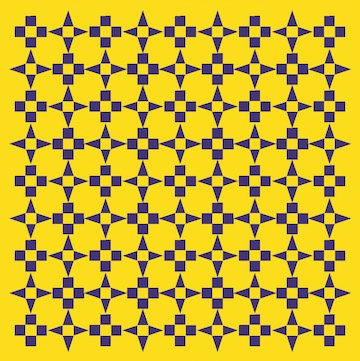
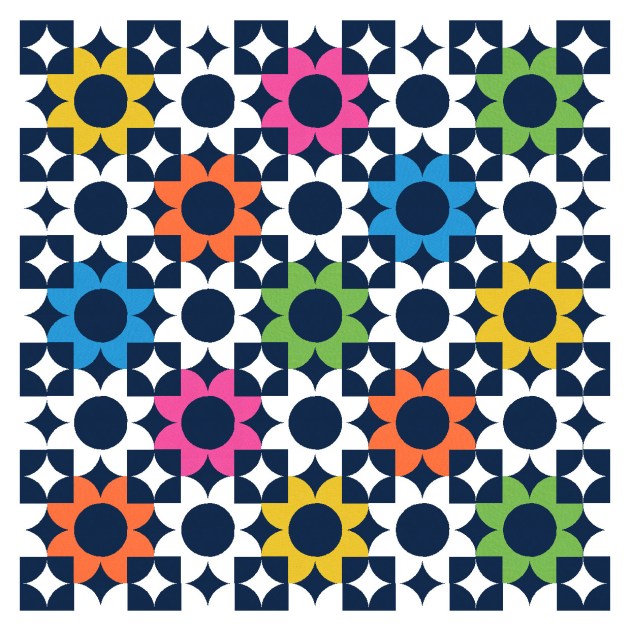
If you’ve followed my Sunday sketches for awhile, you’ll know that I love playing with colour palette and placement to make multiple versions of the same block. This week’s design uses two blocks, but that just creates more opportunities!
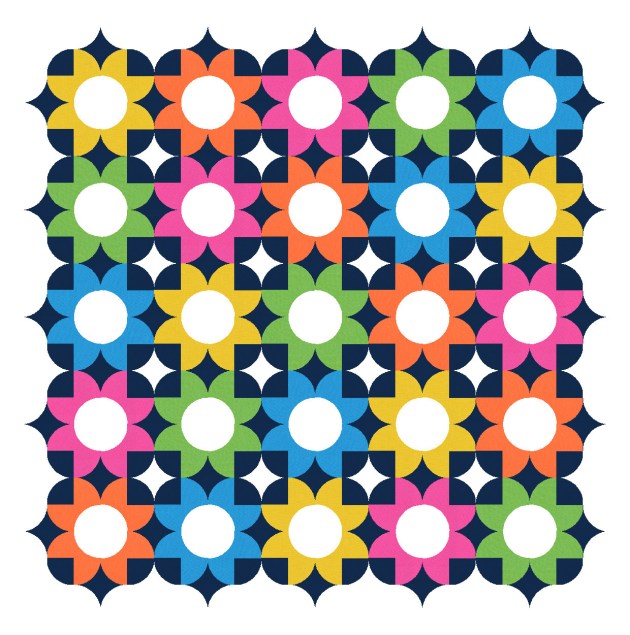
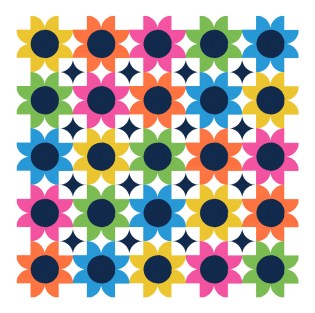
In the first version I’m showing you, which is the last iteration of the underlying design, I’ve just used colour to hide parts of the block (by blending them into the background). This particular colour placement suggests that the blocks have two layers, each of which can be peeled back to reveal the other one on its own. (This is my attempt at ‘modernising’ what’s otherwise a relatively traditional design.)

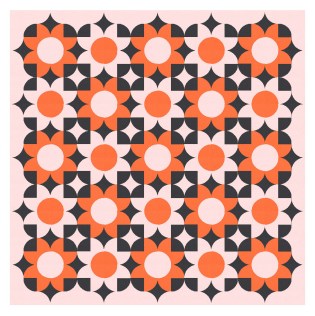
The designs that led to that first one are a bit different, though. I started by alternating two block types in a standard layout (even though the diagonal lines in the next few versions might suggest an on-point layout). Even with two relatively simple block designs, there are loads of ways to use colour placement to achieve a different look. Sometimes that means colouring some shapes the same as the background, effectively removing them from the design.


After playing with those versions for awhile, I switched to an on-point layout, which changes all those diagonals to vertical or horizontal lines. The same two block types are in there, but it almost looks like a design you could achieve using just one block type and some creative sashing.


I often like to colour only some of the outer blocks to create interesting edges to my designs. (I really like the movement in the first design below, which I think might be easier to see when there’s no red to distract the eye.)


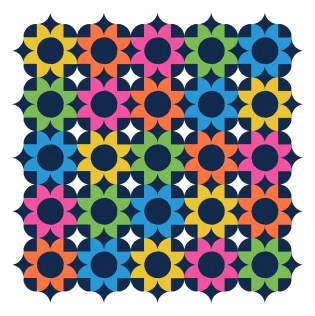
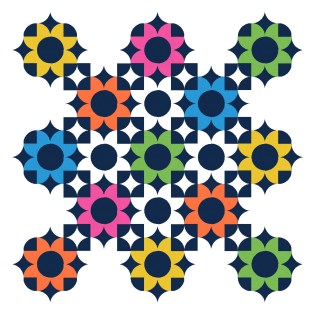
Of course, I kept iterating these designs and adding or subtracting new shapes (which were always there, just not always coloured in). This next version, the penultimate one, is the first version where I coloured in those smaller red squares (which are actually the four corners of that particular block; the other block doesn’t have any red in it).

This colour placement suggests two discrete layers: a lacework of red squares overlaying the black ones. I liked the idea of paring back both layers in different areas, to reveal each one on its own (at least for a few blocks). That’s a concept I’d like to explore more in future.
Anyway, so the first and last sketches in this week’s post feel a bit different from the rest of the designs โ I probably could’ve stretched them out to fill two blog posts! โ but at least you can see how they’re all connected.
This week’s designs could be made into quilts using squares, square-within-a-square units, flying geese, rectangles and half-square triangles.
Sunday sketch #383
It’s been aaaages since I used Excel to create a Sunday sketch โ I think the last one was Sunday sketch #335, which I posted almost a year ago. But I had an idea recently that I knew would be too hard to do in EQ8 (not impossible to do; just too time-consuming/annoying for me at my level of expertise), and because it’s all lines and squares, Excel is a perfect alternative.

The inspiration behind this week’s sketches was a similar motif that I saw on a bedspread in a photo for a real estate listing (inspiration is everywhere!). The original design was much more complicated; the arms extending from each hashtag joined up to create new shapes. But I didn’t want that. I just wanted to see how it would look to connect the arms of adjacent hashtags.
I started off small (and with a limited palette), just to explore the motif and its layout. Obviously, joining the bottom-right arm of one block to the top-left arm of the next one will create a stepped layout, which eventually resembles a slightly off-kilter square. All those intersecting lines create some shapes to colour in, too.
ย 
ย 
I liked the idea of extending those arms off to the side of the quilt. I’m not sure I’d make this design in real life; I’m not great at sewing (or keeping) long lines that straight. (I’ve never used starch, but maybe I should?)
So instead I tried packing the design from edge to edge with the hashtags, and playing instead with colour palette and placement. Excel doesn’t have a huge selection of pre-set colours, although you can input RGB colours if you want. I’m too lazy for that, so I just picked some bright, neon-y shades.
ย 
ย 
(I even like how those four look together!)
I’m not sure of the easiest way to construct this design, particularly for those versions where lines cross over or under lines of other colours. I guess there would be a lot of careful seam matching to obscure the joins between adjacent blocks. Otherwise, it’s just all squares and rectangles.
I know that the hash (#) symbol has been used in other quilt patterns, so I dug around to try and find some. If you like this motif and you want to use it in a quilt, check out these patterns:
- the #Hashtag quilt block and quilt pattern from Sew Can She
- the Ella quilt pattern from Kitchen Table Quilting
- the Hashtag paper-pieced quilt block pattern from Patch and Dot
Sunday sketch #381
One of the things I’ve always loved about my Sunday sketches are the outlines โ the thin black lines around the shapes. When I used to hand-draw all my sketches, they were all lines; now that I create most of my designs in EQ8, I don’t always show them. But sometimes I purposely make the black lines a feature (see Sunday sketches #265, #269, #277 and #348, for example), even though I’ve never really made a quilt with skinny strips (apart from Sketch).
Anyway, this week’s sketches are the by-product of a sketch that I haven’t shared yet. You’ll see the connection in the coming weeks, but for now, it’s fine as a standalone design.

And yes, I’ve done my usual sudoku-style colouring where each colour appears only once in each row or column ๐
This is a block-based design using a standard layout, plus thin sashing. I used black to delineate the shapes in the first version, but colouring the same lines in the background colour means I can highlight some of the secondary shapes โ those light grey rectangles. They definitely feel like they’re in the foreground, overlapping and connecting the coloured circles and squares.

Here’s a reverse colourway where the shape outlines are still the same colour as the background, and the connecting rectangles are in white instead.

There is thin sashing between the blocks, just to give a smidge of space between them. Here’s what happens without the sashing โ this is just a bit too crowded for me!

And the same design works without any outlines. Here I’ve coloured each block’s outlines in the same colour as the rest of the main shape(s). That just makes the shapes look a little fatter. I quite like the connectivity in this one too.

This week’s sketches could be made using thin strips, squares, rectangles and quarter-circles (or drunkard’s path units).
I feel like there may be the potential to iterate this design a little more, but first I need to show you the designs that led to this one! That’s next week.